
dabone

1810

9

2

Here's how to add a switchless multi kernal mod to your flat 128, based on the C64 Kernel Switcher and Restore Key Reset/Selector By Adrian Black. This requires a 5v arduino, I'm using a pro mini I had laying around. The mod needed one more line defined to add the second rom chip for 128 mode.
Arduino code can be found here.
https://github.com/dabonetn/c128kernalswitcher
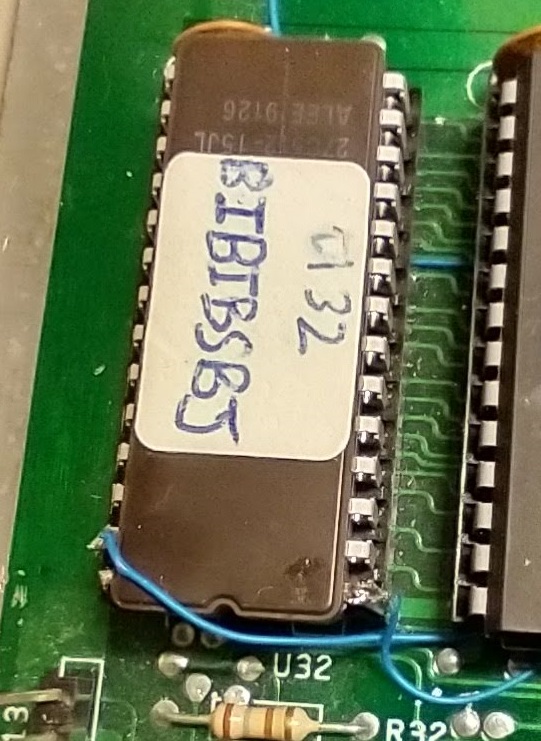
Take a 27c512 Eprom and Combine 64mode basic + 4 kernals. They are stacked in the eprom image as basic-kernal0-basic-kernal1-basic-kernal2-basic-kernal3
Leave Pins 1 and 27 out of the socket.
For U32, connect pin 27 to pin 6 of the pro mini.
connect pin 1 to pin 5 of the pro mini.
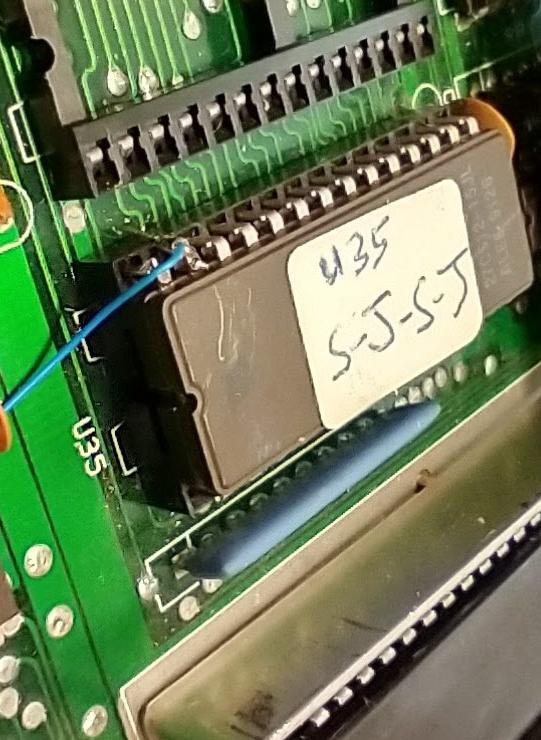
For U35 use either a 27256 or a 27512. They are stacked 128kernal-Kernal0 for a 27256 or 128kernal-Kernal0-128kernal-kernal0 for a 27512. I didn't bother with 4 for 128 mode, because I didn't find any others besides Jiffydos that I wanted.
Leave pin 27 out of the socket.
For U35, connect pin 27 to pin 9 of the pro mini.
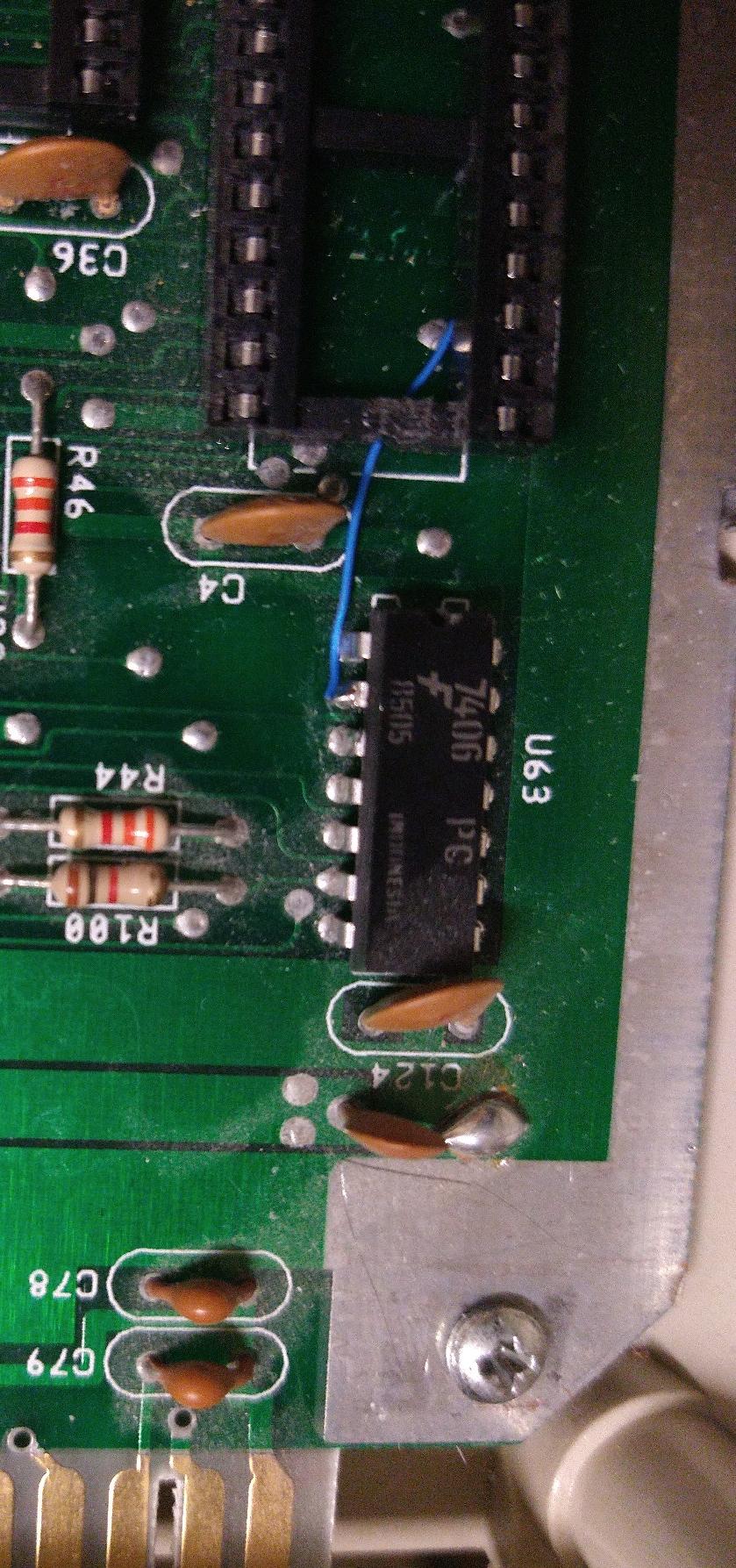
Reset can be found on pins 2 or 3 on U63, which is the chip closest to the user port.
U63 (7406) Pin 2 to pin 7 of the pro mini.
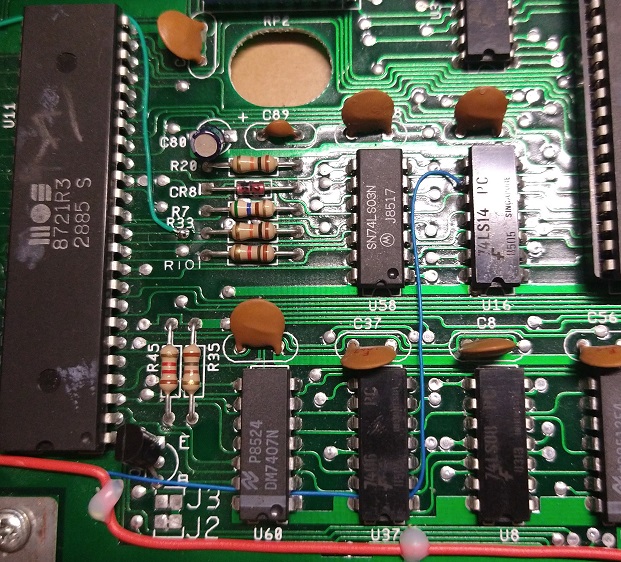
Restore key..
This is available 2 places.
U16 pin 9, this is next to the 8502 cpu, or the right hand side of r9, located under the z80 cpu.I chose U19 pin 9.
Connect to pin 8 of the pro mini.
EXROM
The exrom goes to the mmu and pla, so I'm tapping in to the via right next to pin 12 of the pla.
Connect to pin 3 of the pro mini.
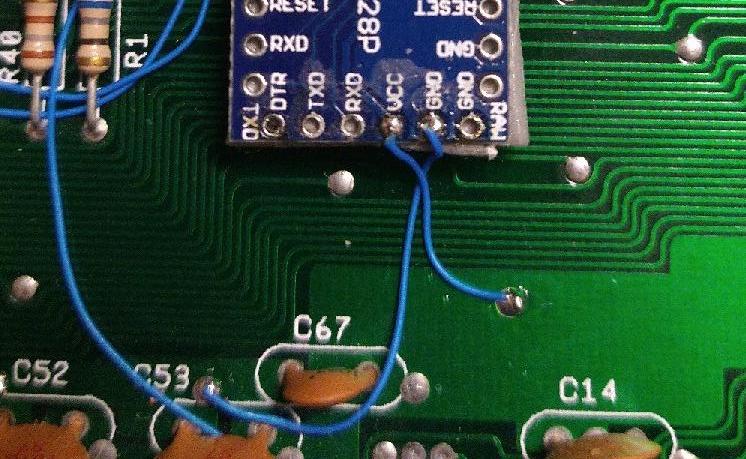
Looking at c67, the right plane is +5v, and the left side is GND. Just attach to the Via's
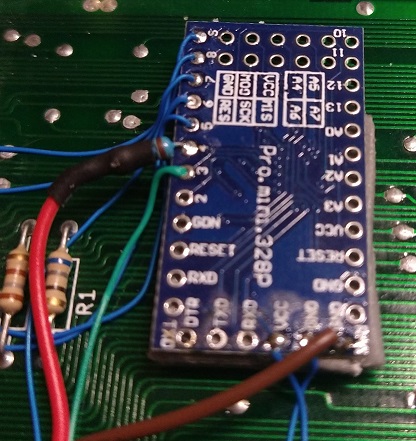
I'm using a 220uf resistor inline with pin 4 of the pro mini. You can attach to the board, or with a extra bit of wire for strain relief.
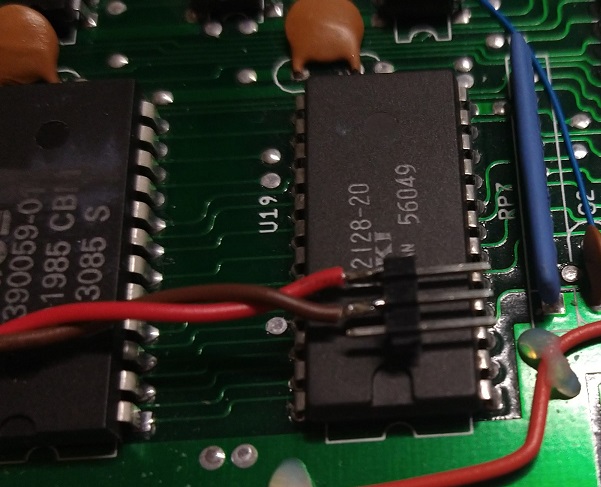
This goes to either side of the 3 pin female header. Gnd to center, LED to a outer pin.
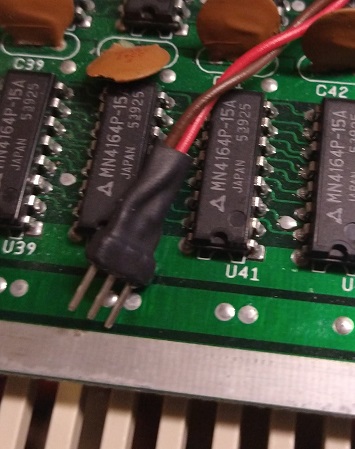
Cover with a bit of heatshrink and plug in to the led cable.
DiesOnLoadingScreen
You gonna twin SID that sucka or what?
Tripster
Does it have RGB?
dabone
Maybe in the next version...