
Huor

12966

395

8


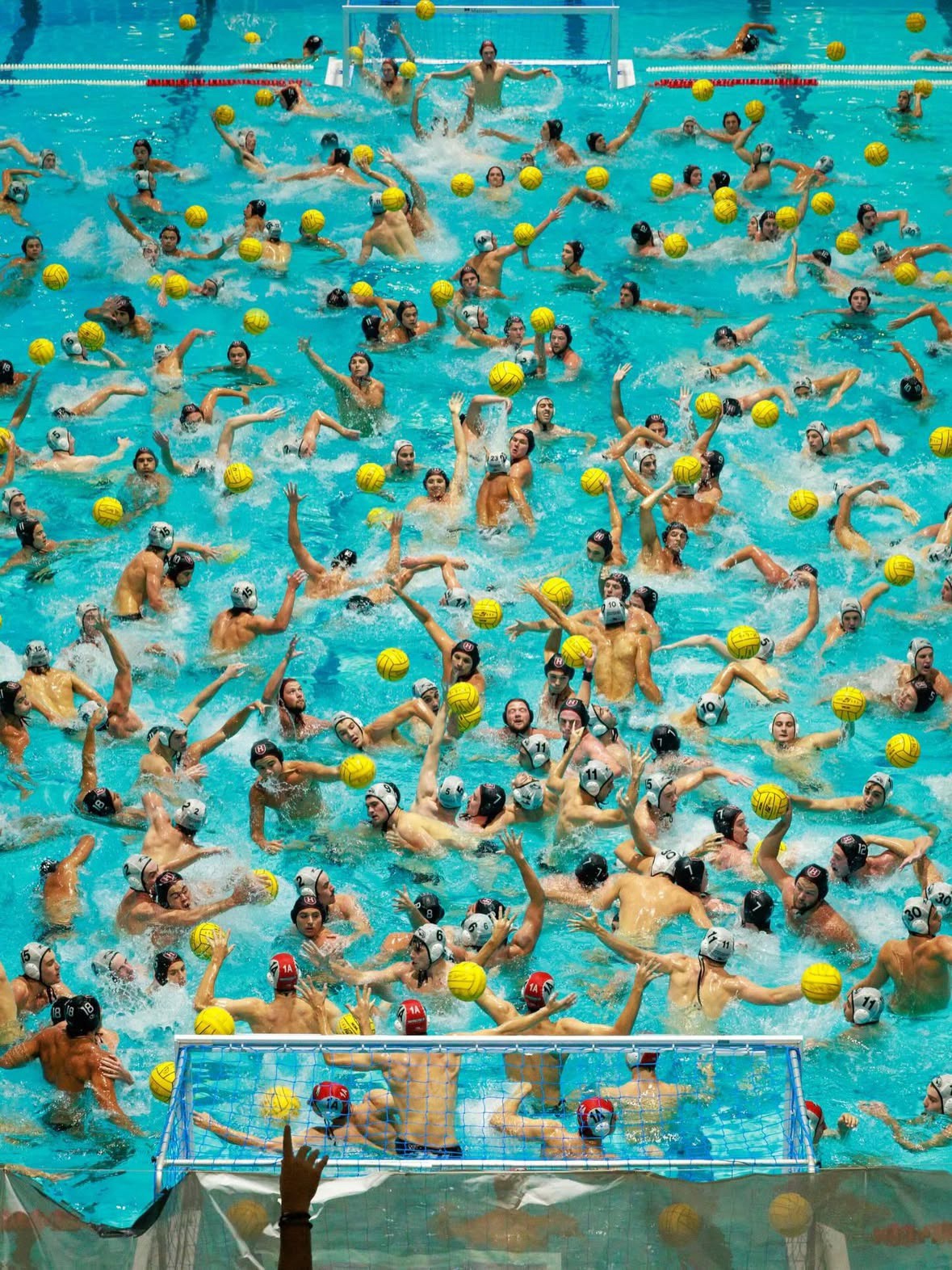


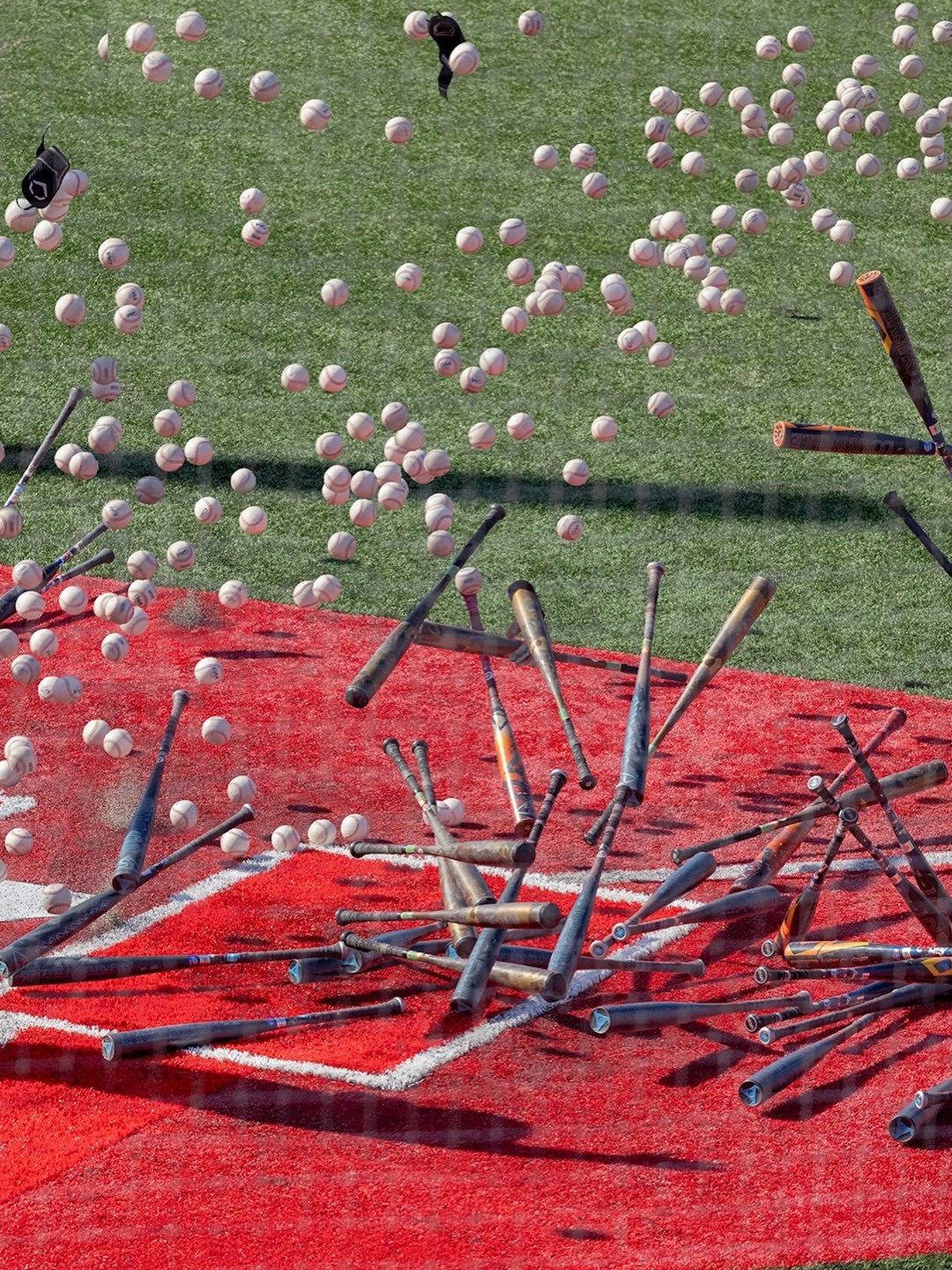


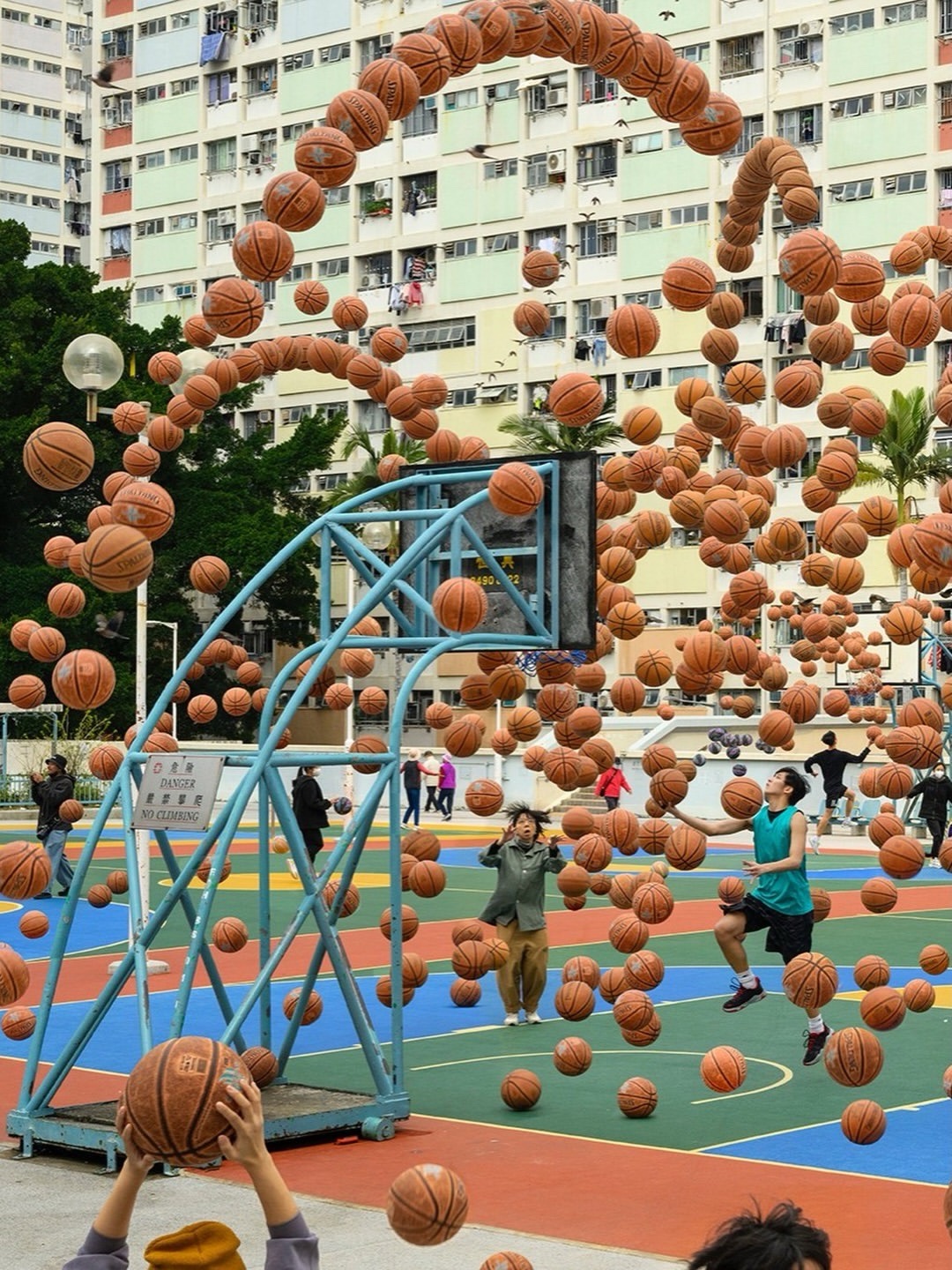

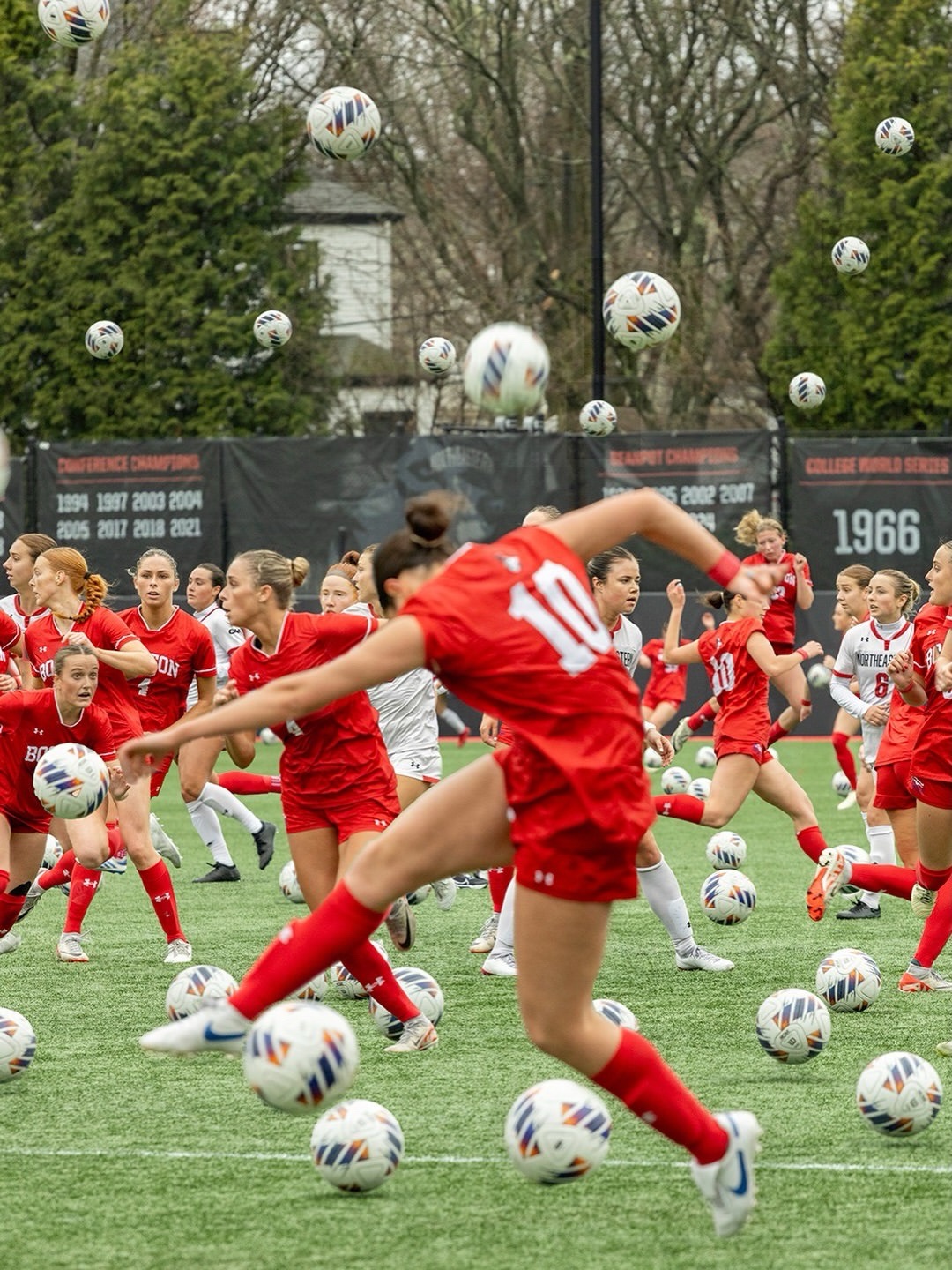

Source: https://www.threads.com/@pellecass
xo66nt
STRESS
Powderedswords
Damn, baseball would be so much more interesting if there were thousands of balls all being thrown at the same time
amoth
wow, this is surprisingly cool
werdwerdwerd
Are these the images they trained AI on?
pikopikopikopikopiko
Anxiety.jpg
skyfishgur
time really is doing yeoman's work for us all keeping this chaos at bay
misterx13
Any one else's OCD immediately see the error on the street crossing one?
Kilo11
To a being who could see not only through space but also time I would imagine the world would look much like this
lighterletter
I think I read somewhere that reality is pretty much like this anyway but that because we're observers we basically experience time sequentially even though fundamentally it's all in a constant state of chaos like this
RacecarIsRacecarBackwards
https://media3.giphy.com/media/v1.Y2lkPWE1NzM3M2U1aG1idjZveGMyZms0djMzN2NtNHpmbTd0NXhidDk4Yng2d3dwZGplOCZlcD12MV9naWZzX3NlYXJjaCZjdD1n/aI2hfQOnxm5mwh9edQ/200w.webp
nitemayr
Soylent Green Promotional Material
DrSharkbite
Alistairetheblu
Some world record stunt?
DeakVanNyke
the water is warm.. in some areas a bit more than others.
Huor
China. Ugh. I went to a pool like that once. IT WAS HELL.
AntiProtonBoy
Pool operator: MORE CHLORINE!
Pool gimps: YES SIR!
baconandmorebacon
#5 Not enough dogs for my taste.
SecurityBadger
Cool. But they are not simple multiple exposures. These have been edited to remove overlap, or to opaque a foreground piece to hide the shadow of the background piece. We used to get true double exposures back when cameras had film, and both images fought to be the foreground image.
dashers
Has anyone found Wally (Waldo)?
rocinanteismyhorse
I love this concept
lollersson
Somehow relaxing and unsettling at the same time. Chaotic good.
BranDohCalrissian
This is a super cool concept. But does it seem too crisp and sharp to actually be multiple long exposures? Is just multiple images stacked on one another? Either way, it's awesome, but idk enough about photography to figure it out.
lollersson
Multiple exposures = multiple pictures. Long exposure creates blur when objects are in morion. A double exposure is two pictures layered and blended. In these layered works of art parts of each picture has been masked thus revealing only a part of them, creating a neat effect.
OsbornThorsguard
There's still a problem, in a multiple exposure older objects become more blended with the background than newer objects, and in general all moving objects become "transparent". Making a transparent object solid again in post-processing is very difficult since you have to extract the background from it. So i would guess these are just multiple pictures that have been masked and overlayed, which gives the exact same effect with much less work.
TurnsOut42WasASlightMiscalculation
This.
beatmacster
Getting world war z and the birds vibes.
sf111
Same ^
highfidelityfood
Hallelujah
LespritDeLescalier22
These are amazing
JakSandrow
Not to mention some *extremely* good compositing.
shyriath
#1 let the bodies hit the floor let the bodies hit the-
ConsumerOfStories
This is activating my fight or flight reflex, somehow
ROGUEdenied
SalmySwims
Ah, I'm not the only one
MrStealYourGiF
things be too many
ROGUEdenied
thirdlittilbird
so, which one did you choose? you gonna fight em?
ConsumerOfStories
I suppose technically flight, since I can click off an image but alas I am as yet incapable of punching people through the internet
RuNacken
These are fascinating! But how is this done with multiple exposure? Wouldn't the backgrounds be overexposed and almost white?
procrastinatorman
Digital post processing
jesuisgur
I've done this many times, but with less than 10 exposures it's already an hour of work in Gimp. I wonder how it was done without spending a month in a photo editor. AI ? Or some generic method to detect the common background, remove it from all pics and then stack the transparent results ?
ZackWester
Wild guess background is taken ones then every person is just croped in no need to edit in the top left piece of the background for the person in the lower left.